
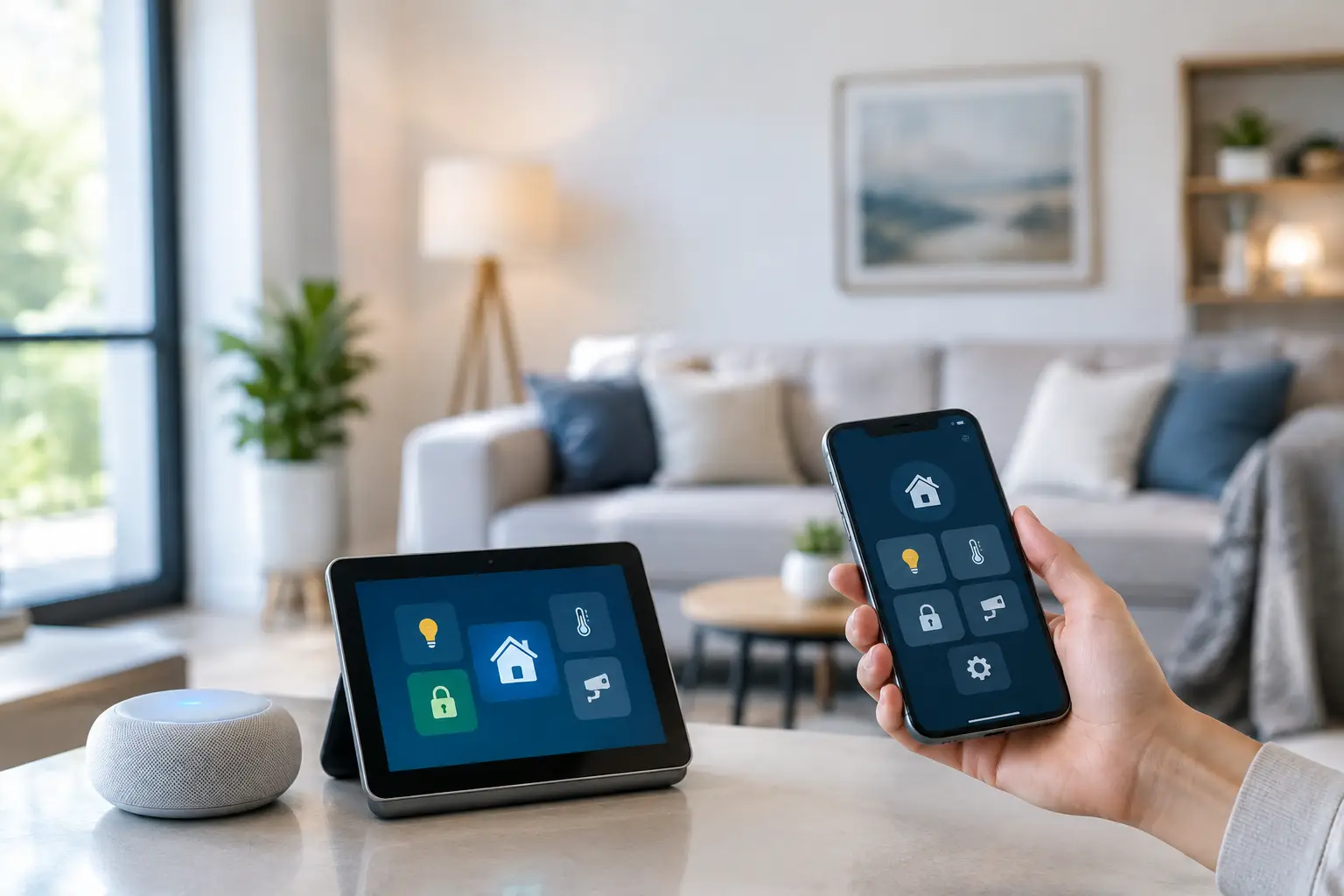
A beautifully finished room can quickly lose its calm when the technology requires a row of remotes, several unrelated apps and a lesson before anyone can turn the lights down. The best smart home control interfaces replace that friction with a small number of familiar, purposeful ways to manage the home – without making the technology the focus of the interior.
For a considered residential project, the right answer is rarely one device or one app. It is a control strategy: physical controls where speed and certainty matter, touchscreens where a wider view is useful, and discreet automation working in the background. The balance should reflect how the household actually lives, the architecture of the property and the systems being brought together.
What makes a smart home interface genuinely good?
An interface should make a complex system feel simple, not expose every technical option available. A guest should be able to enter a room, find the light control and understand it immediately. A homeowner should be able to check the status of the house or change an evening scene without opening four separate applications.
The most successful interfaces share three qualities. They are consistent from room to room, fast enough to use without hesitation and tailored to the property. Consistency does not mean every space receives identical controls. A cinema room needs more detail than a guest bedroom. It means that the language of the home remains recognisable: the same lighting scenes, clear naming and predictable behaviour.
Equally, a good interface respects the interior. Hardware finishes, button engraving, screen placement and wall-box coordination all deserve attention early in the design process. Technology specified after the plasterwork and joinery are complete often creates unnecessary compromises.
The best smart home control interfaces, by purpose
Engraved keypads for everyday control
A well-designed keypad is often the most useful interface in a premium home. It is immediate, reliable and usable by everyone, including visitors and children. There is no need to find a phone, wait for an app to connect or explain which icon controls the dining-room pendants.
Rather than fitting conventional switches for individual circuits, a keypad can call up scenes. One button might set the kitchen for breakfast, another for cooking, another for entertaining. In a bedroom, a single command can turn off the lights, close blinds, adjust the temperature setpoint and arm the downstairs security perimeter for the night.
Keypads work particularly well at entrances, beside beds and in rooms used daily. Their limitation is also their strength: they are deliberately concise. A wall control should handle regular actions, not attempt to display every setting across the building. Thoughtful engraving and logical button layouts prevent the familiar problem of a wall plate filled with cryptic labels.
Touchscreens for a complete view of the property
A touchscreen earns its place where a broader overview is valuable. Positioned in a kitchen, principal hallway or office, it can bring lighting, heating and cooling, music, CCTV, gates, intercom calls and security status into one intelligible view.
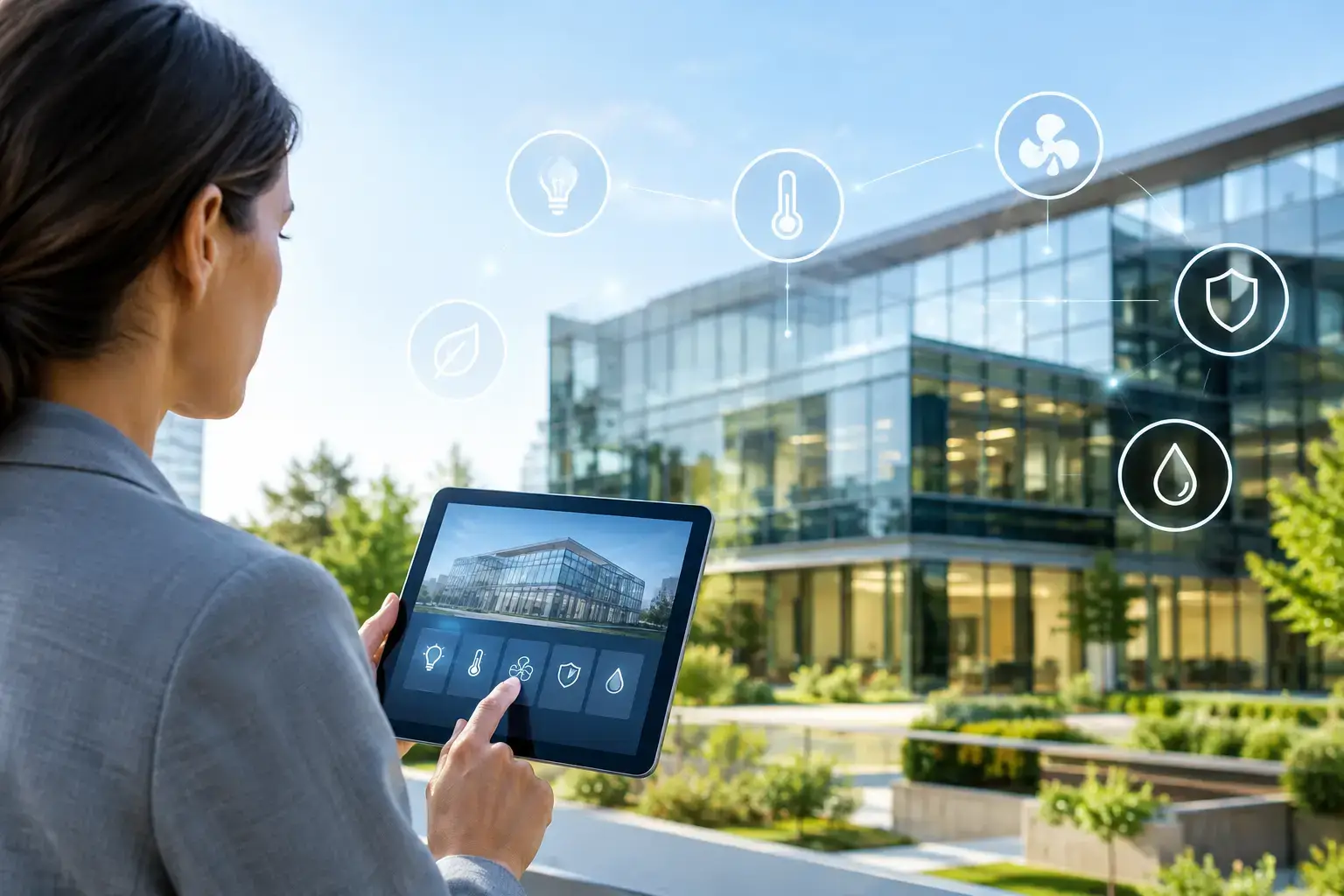
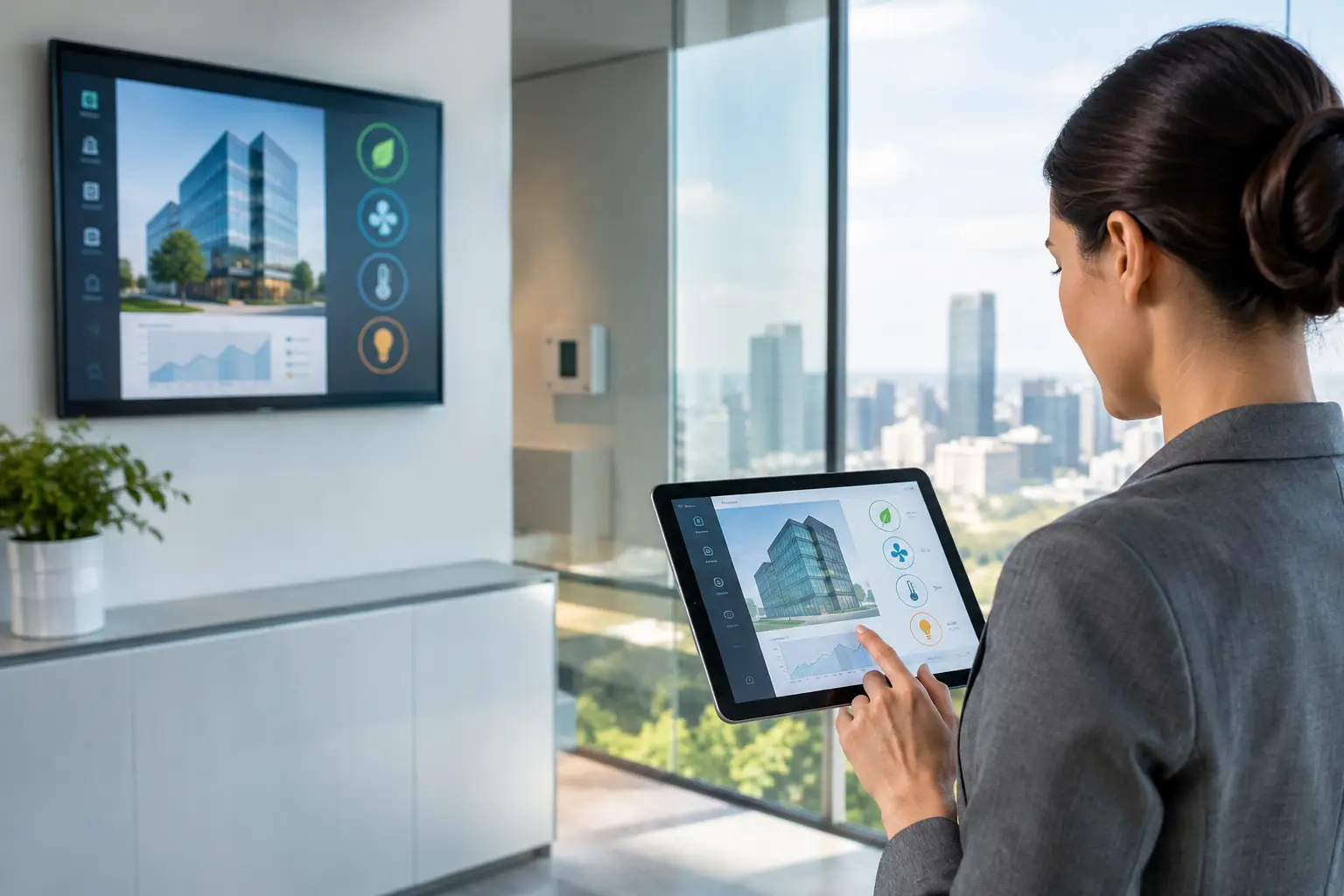
For larger homes, it is especially useful for reviewing the whole property before leaving or going to bed. A homeowner can see whether a door is open, check external cameras, lower selected blinds or select an away mode without moving between separate systems. In commercial settings, a touchscreen can give a facilities team clear access to meeting-room AV, lighting zones and selected plant control functions.
The trade-off is that a touchscreen needs careful interface design. A generic menu with every possible control is rarely helpful. The home screen should prioritise the actions used most often, while deeper settings remain available without cluttering the experience. Screen locations also need to suit the circulation of the building, rather than simply filling an available wall.
Mobile apps for control beyond the wall
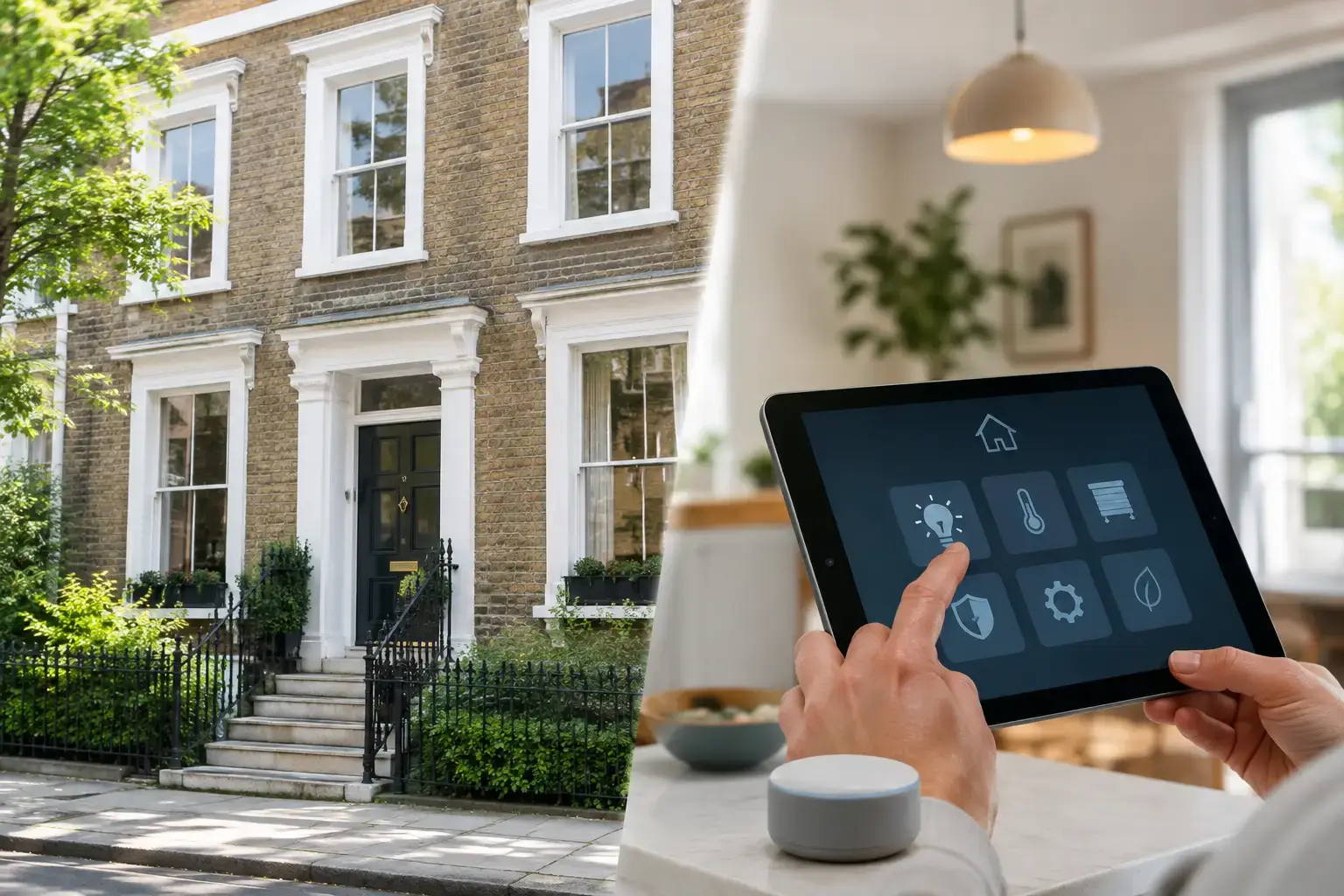
A mobile app is valuable because it travels with the owner. It is the natural interface for checking the house while away, admitting a visitor, viewing CCTV notifications, adjusting heating before returning from a weekend away or controlling a music zone from the garden.
It should not, however, be the only way to run the home. Phones are personal, batteries run flat and guests may not have access. An app-led system can also encourage each household member to develop their own habits, producing inconsistency rather than a shared, intuitive experience.
The strongest approach is to make the app an extension of the installed controls. Scene names, room names and core functions should match the keypad and touchscreen experience. That makes remote control feel like part of the system, rather than a separate technical layer.
Voice control for hands-busy moments
Voice control has a useful, limited role. Asking for kitchen lights while carrying shopping, starting music while preparing dinner or switching off downstairs at bedtime can feel genuinely convenient. It can also improve accessibility for residents who find physical controls difficult to use.
Yet voice is not always appropriate. It depends on internet services, may mishear names and can feel intrusive in quiet spaces or during a dinner party. It is best treated as an additional route to common commands, not the foundation of a control scheme. Physical keypads remain quicker for many repeated tasks and do not require a spoken instruction to be heard by the room.
Automated sensors and schedules for no interface at all
The finest interface is sometimes no interface. Presence sensors can provide low-level hallway lighting at night. Daylight sensing can support automated shading and lighting levels. Heating and cooling can respond to occupancy, time of day and room conditions, while an arrival scene can prepare a property before the family comes through the door.
Automation needs restraint. Lights that switch off while someone is sitting still, blinds that lower at an inconvenient moment or heating schedules that ignore changing routines quickly become irritating. The aim is to remove repetitive decisions while keeping manual override clear and immediate.
Choosing interfaces room by room
A good control plan begins with behaviours, not products. Consider what happens on arrival, when entertaining, at bedtime, when the house is empty and when a family member needs to act quickly. Those moments reveal where dedicated controls are worth installing.
At the front door, a concise keypad or discreet touchscreen may offer arrival, away and security functions. In living spaces, scene keypads give instant control of lighting and shading, with music available through a simple, clearly labelled command. The cinema or media room may justify a more detailed touchscreen, because source selection, audio levels and viewing modes need greater visibility.
Bedrooms benefit from bedside controls that combine lighting, blinds and climate, particularly when the home includes automated curtains or blackout treatments. Bathrooms and dressing rooms often suit straightforward local lighting scenes with unobtrusive sensor support. In each case, the interface should reduce the number of decisions required, not add new ones.
Integration matters more than the screen
A beautiful touchscreen cannot compensate for disconnected underlying systems. If lighting, heating, AV, security, CCTV, access control and the network are designed separately, the user will usually be left to bridge the gaps. That is how properties accumulate remotes, duplicated controls and competing apps.
An integrated design creates meaningful actions across technologies. “Goodnight” is not simply a lighting command: it may switch off selected AV zones, close curtains, set back the temperature, check chosen windows and arm security areas. “Entertain” can adjust lighting, set a comfortable climate and start audio in the relevant rooms. These actions are only dependable when the infrastructure, programming and individual systems have been specified to work together.
The network is central to this reliability. Modern control interfaces, streaming services, cameras, wireless access points and many building systems depend on it. A professionally designed network system, with appropriate coverage, capacity and support, is therefore part of the user experience rather than an invisible afterthought.
Design details that protect the experience
Control hardware should be considered alongside electrical layouts, joinery, lighting design and interior finishes. Matching or complementary faceplates can help controls sit comfortably within a scheme. In heritage properties, this may mean placing technology carefully to protect original features. In contemporary new builds, it may mean reducing visual noise through consolidated controls and considered recessing.
Naming also matters more than it first appears. “Garden lights” is clearer than a circuit number; “Evening” is more intuitive than a scene code. MOSAIC Audio & Visual approaches this as part of the wider design and commissioning process, ensuring the finished system reflects the client’s rooms, routines and expectations rather than a standard template.
Avoid over-specifying interfaces simply because they are available. A screen in every room may be unnecessary, while too few keypads can make a sophisticated system feel awkward. The right level depends on property scale, the number of occupants, staff requirements, accessibility needs and the degree of automation desired.
Plan for change, support and simple handover
Homes evolve. Children grow up, rooms change purpose, new services are introduced and owners develop different routines. A well-built control system should allow scenes, permissions and selected interface functions to be refined without disruptive building work.
Handover is equally important. Every household should understand the everyday controls and know whom to contact if something needs attention. Clear documentation, sensible system labelling and ongoing support protect the investment long after practical completion. For multi-storey offices and higher-complexity buildings, this becomes even more important: different user groups may need different levels of access to BMS systems, AV and security controls.
The aim is not to place more technology on the wall. It is to give each person the right amount of control at the moment they need it, then allow the building to take care of the rest.



Keep In Touch